Don't Make People Stop for Authentication
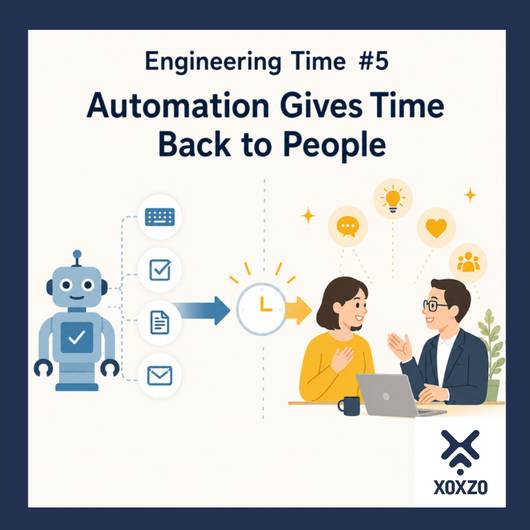
In the previous Engineering Time,
"Automation Is Not About Reducing People"
we talked about giving machines the work they do best, and giving people more time for the work that people do best.
Authentication can be one part of that.
Writing the same information again and again for identity verification.
Looking for an ID card.
Waiting for someone to confirm who you are.
Having that person enter the same information into another system.
When these small tasks are reduced, both the person being authenticated and the person doing the checking can move on to their next task more quickly.
In some cases, contactless authentication can also provide benefits in terms of hygiene.
Authentication should not exist to stop people from doing what they want to do.
It can be a way to help people move forward safely and smoothly.
Authentication Has Become an Entrance
What Interested Me Was What Happened After Face Authentication
Recently, I read an article about an attendance management system that uses facial authentication.
An employee looks at a camera, the system confirms their identity, and their attendance is recorded.
The technology that recognizes a person's face is interesting in itself.
But what particularly interested me was this:
What happened after the face was authenticated.
The system confirms the person's identity.
It then uses that result to record attendance.
The necessary data is passed to the next process.
Authentication doesn't end with authentication.
Instead, it becomes the trigger that starts the work that follows.
It Doesn't End with "Identity Confirmed"
When we hear the word authentication, we might imagine a system asking:
"Are you really you?"
We enter a password.
We type in a code sent to our smartphone.
We tap an employee ID card.
We scan a face or fingerprint.
And then:
"Your identity has been confirmed."
Traditionally, that alone could fulfill the purpose of authentication.
But as systems become more connected, authentication can take us further.
For example:
Authenticate a face.
Record the time of arrival.
Send the information to the attendance management system.
Use that information in the workflows that follow.
A single authentication event can seamlessly trigger the next process.
Authentication is evolving from simple identity verification into something more:
an entrance to the workflow itself.
This Is More Than Just Digitization
Recording on a computer what used to be written on paper is also a form of digitization.
But machines can do much more than that.
They can quickly find the necessary data among large amounts of information.
Compare it with registered information.
Record the exact time.
Pass the result to another system.
And start the next process automatically.
Tasks that would take time for people to check, record, and transfer one by one can become part of a continuous system workflow.
It is not simply a matter of moving an existing human task onto a screen.
Systems can create new workflows that include speed and accuracy that would have been difficult to achieve manually, as well as the processes that come next.
That is one of the interesting things about automation.
Design What Happens After Authentication
So when we design an authentication system, perhaps we should think not only about:
"How do we confirm this person's identity?"
but also:
"Once we know who this person is, what should happen next?"
Record attendance.
Open the appropriate screen.
Retrieve the information that person needs.
Start the next workflow.
When the result of authentication can be connected to the experience or workflow that follows, authentication becomes more than a mechanism for security.
It can also become the mechanism that starts the work that comes next.
It reduces the small procedures that stand between people and systems and becomes:
an entrance that moves people toward their next action.
An Entrance Needs to Be Easy to Enter
There is still one important thing we should remember:
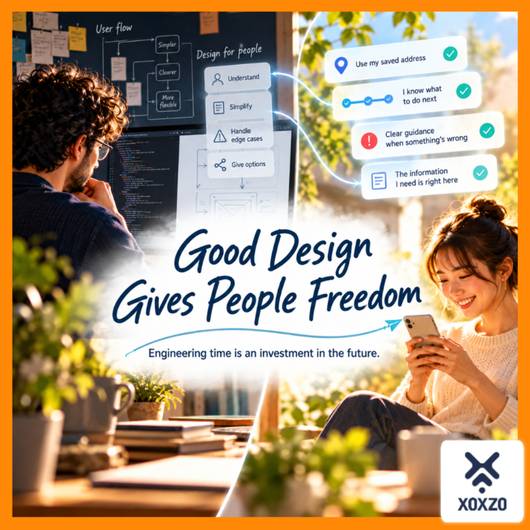
The people using it are human.
No matter how advanced an authentication technology may be, it will not necessarily work in exactly the same way for every person and every situation.
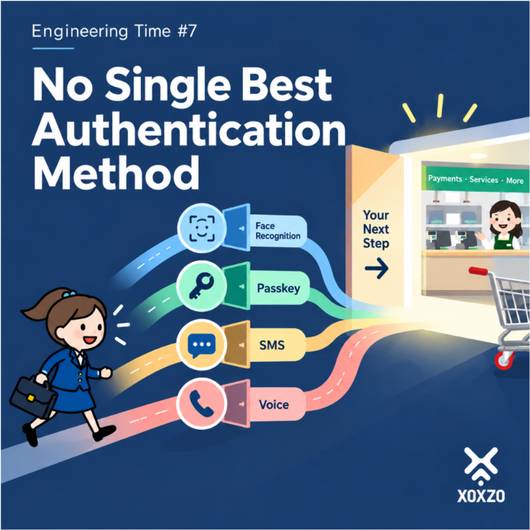
If we create an entrance but people get stuck there, they cannot reach the useful systems waiting on the other side.
So which authentication method should we choose?
The most secure one?
The simplest one?
Or perhaps we should not rely on just one method at all.
That is another question of design.
We'll think about that in the next Engineering Time.
Engineering Time
Authentication is not a gate designed to stop users.
It is an entrance that helps them move forward safely.
And today, passing through that entrance can also trigger the processes and workflows that come next.
What happens after authentication?
What is the person actually trying to do?
How can we make it a little easier for them to get there?
Don't stop at "Authentication successful." Design what comes next.
Thinking that far ahead is part of creating automation for people.

Aiko Yokoyama
Customer Success and Operations
Joined January 2014. Experienced as a clerk in Foreign Trading company, started and maintained an online supplement store. Lived in overseas for 15 years. Looking forward to communicating our customers with the broad view based on those experience.